
 +

Your Vaults content. Delivered through Project Broadcast.
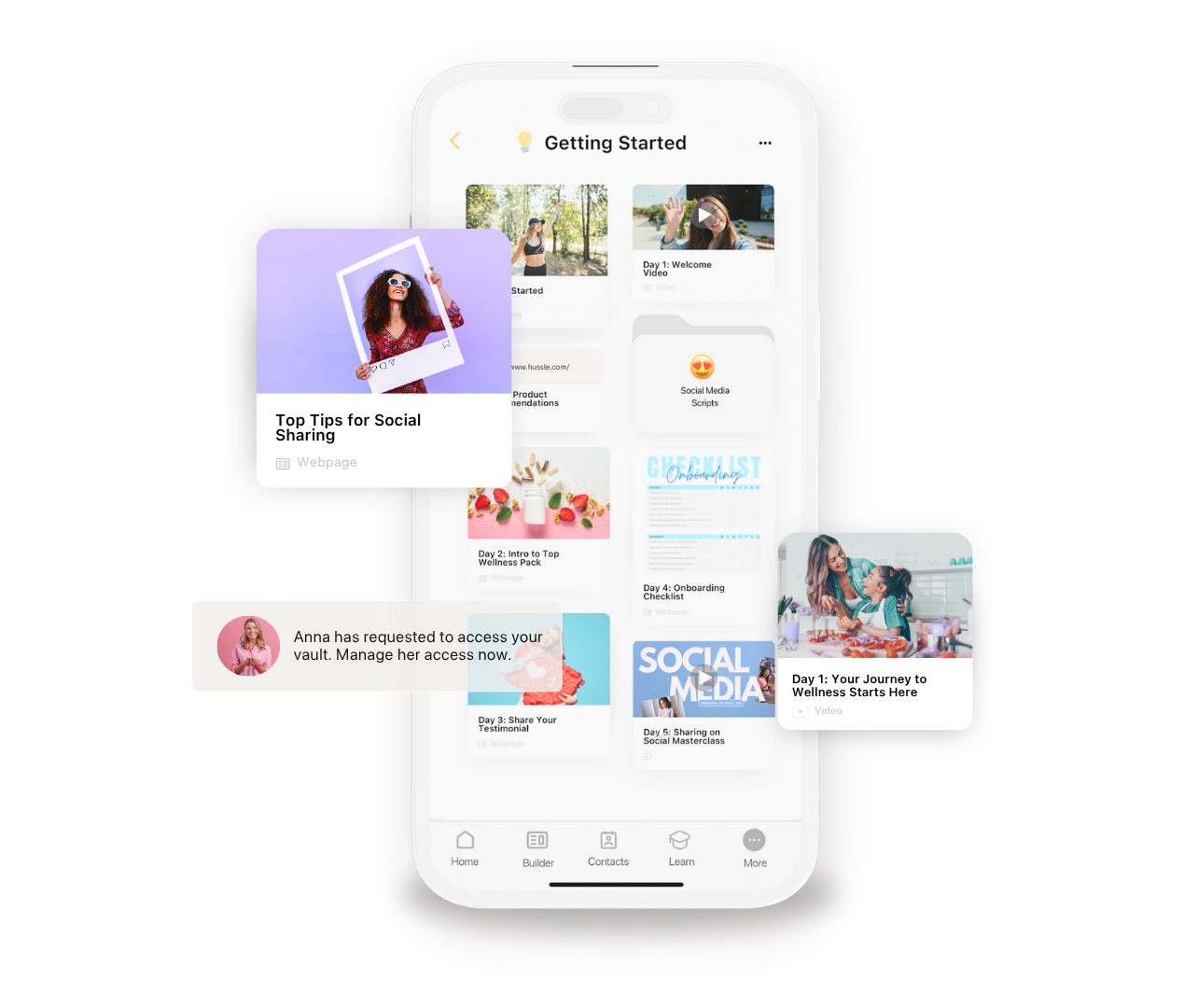
Organize your videos, product resources and training in Vaults, then send them from your Project Broadcast number to one person or a whole group.
Free on every Vaults plan. Requires an active Project Broadcast account.
 Works with Project BroadcastFree integration
Turn engagement into follow-up, without leaving Vaults.
Vaults shows you who is engaging with your content. Project Broadcast handles the messaging and campaigns. Together, you follow up faster and with more context.
Add contacts to campaigns
Drop one contact into a Project Broadcast campaign right from Vaults.
Add full contact lists
Send a whole list into a campaign for events, launches or re-engagement.
Send messages
Text one contact or a group from your Project Broadcast number without switching apps.
Send your content and media
Share videos, images and Vaults content through Project Broadcast.
Act from a contact card
Start the next step from the contact you are already looking at.
Act from a list view
Work through a list and take action without leaving it.
Follow up on engagement
See who opened what you shared and use it to decide who to follow up with.
No more exports
Skip the spreadsheets, uploads and duplicate entry.
Available actions depend on your Project Broadcast account, setup and permissions.
From your Vaults to their phone in four steps.
Keep your content in one place and use it wherever your conversations happen.
Organize in Vaults
Keep your media, videos, product information and training organized and ready.
Choose your content
Pick the Vaults resource you want to include in your outreach or follow-up.
Add it to your message
Drop that content into a Project Broadcast message and send it to one person or a group.
Send through Project Broadcast
Deliver your Vaults content and keep the conversation going.
Know who's interested before you reach out.
Vaults shows you who engaged with your content and what they interacted with. Use that as your signal: add them to a campaign, send a relevant message and follow up with context instead of guessing.
Your contacts and lists are already here.
Instead of exporting a list, uploading a spreadsheet and rebuilding your audience somewhere else, use the contacts and lists you already organized in Vaults. Great for event follow-up, product launches, prospect nurturing, customer re-engagement and recruiting.
Everything you need, on the Free plan.
The integration doesn't require Pro. Your whole team joins free too.
- Unlimited Vaults and content sharing
- Contact manager and engagement tracking
- Lead capture sync
- Websites, forms and access controls
- Project Broadcast integration
Questions
What can I do with the Project Broadcast integration?
Depending on your Project Broadcast setup, you can:
- Add individual contacts to Project Broadcast campaigns
- Add full contact lists to campaigns
- Send messages through Project Broadcast
- Send media and your Vaults content through Project Broadcast
- Take action from a contact card or a list view
- Use engagement data to guide follow-up
- Cut out manual exports, uploads and duplicate entry
How does this help me follow up better?
Vaults shows you your contacts, the content you shared and who engaged with it, so you know who may be interested and what they looked at. Project Broadcast then handles the message or campaign. Instead of guessing who to follow up with, you use engagement as the signal for your next step, so you follow up faster, stay organized and don't miss people who are showing interest.
Can I add a full list of contacts to a Project Broadcast campaign?
Yes. You can add a whole contact list to a Project Broadcast campaign from inside Vaults. It's useful for event follow-up, product campaigns, prospect nurturing, customer re-engagement, recruiting, or any time a group needs the same follow-up campaign. You build the campaign in Project Broadcast, and Vaults adds the people. No exporting, no spreadsheets, no rebuilding the audience somewhere else.
How do I connect Project Broadcast?
- Open the Vaults app.
- Go to Settings.
- Select Integrations.
- Choose Project Broadcast.
- Log in to your Project Broadcast account.
Once connected, Project Broadcast actions show up inside Vaults.
Where will I see Project Broadcast actions?
Right where you already work in Vaults, including:
- Contact cards
- Contact lists
- Campaign actions
- Content sharing
- Engagement views
- Integration settings
Is the integration free?
Yes. It's included in the Free plan and doesn't require Pro.
Do I need a Project Broadcast account?
Yes. Messaging and campaign actions need an active Project Broadcast account. Campaigns are created and managed in Project Broadcast. Vaults doesn't charge for the integration.
Can I use Vaults without Project Broadcast?
Yes. Everything else in Vaults works on its own.
Put your Vaults content to work in Project Broadcast.
Build your Vaults, connect Project Broadcast and send the right content every time.
Create My Free Account